AI prompt writing is the single most important skill separating mediocre AI outputs from genuinely useful ones. Whether you're drafting marketing copy, debugging code, or extracting data insights, the way you phrase your prompt directly determines the quality of what comes back. Most power users already know this instinctively, but few take a systematic approach to improving their prompts.
The gap between a vague request and a well-structured one can mean the difference between five minutes of clean output and thirty minutes of frustrating back-and-forth. ChatGPT prompts, Claude instructions, Gemini queries: they all benefit from the same foundational principles. This guide gives you four concrete, actionable steps to write prompts that consistently produce better AI responses. No theory fluff, just practical techniques you can apply immediately.
Key Takeaways
- Specific prompts with clear constraints outperform vague requests by a wide margin.
- Assigning the AI a role and audience dramatically sharpens response quality.
- Providing format instructions upfront eliminates most revision cycles.
- Iterative refinement through follow-ups beats trying to nail the perfect single prompt.
- Testing prompt variations reveals which structures work best for your use case.
Step 1: Define Your Objective Before You Type
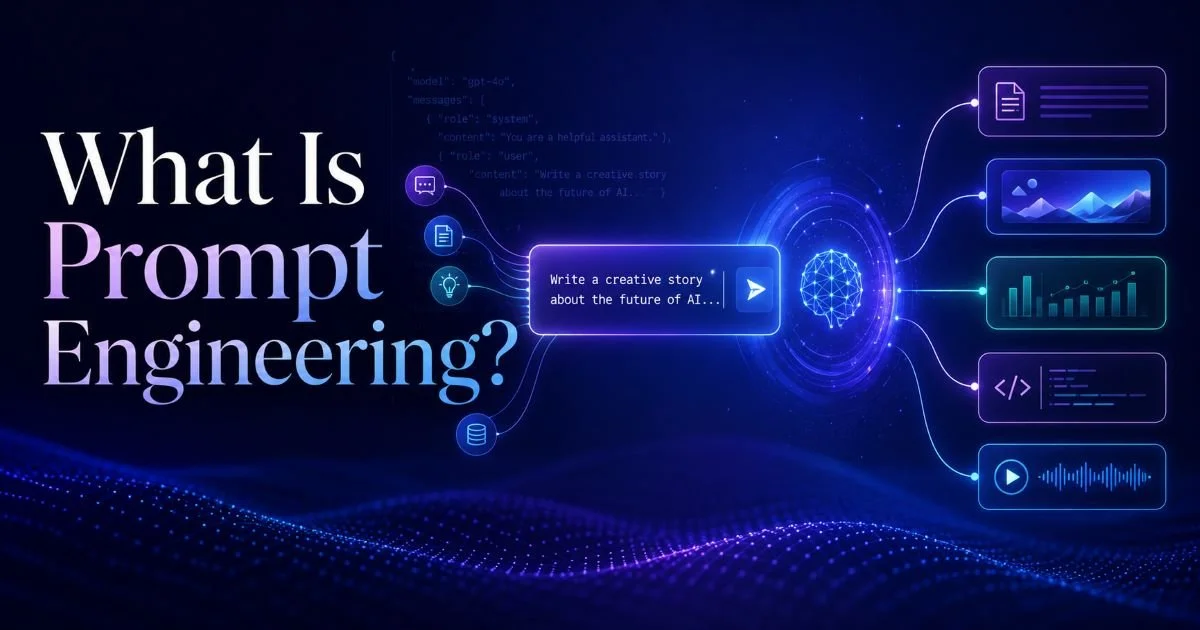
The most common mistake power users make is jumping straight into the prompt box without first clarifying what they actually need. "Write me a blog post about marketing" is a request, but it lacks intent. Do you want a 500-word overview for beginners, a data-driven comparison of channels for CMOs, or a persuasive piece arguing for organic over paid? Each of those requires a fundamentally different prompt. Understanding what prompt engineering is and how it works helps you appreciate why this upfront clarity matters so much.
Before typing anything, answer three questions: What is the deliverable? Who is the audience? What does success look like? These aren't abstract exercises. Writing them down (even in shorthand) forces you to identify ambiguities you'd otherwise pass along to the AI. An ambiguous prompt produces an ambiguous response, and then you're stuck editing or re-prompting.
Separate the "What" from the "How"
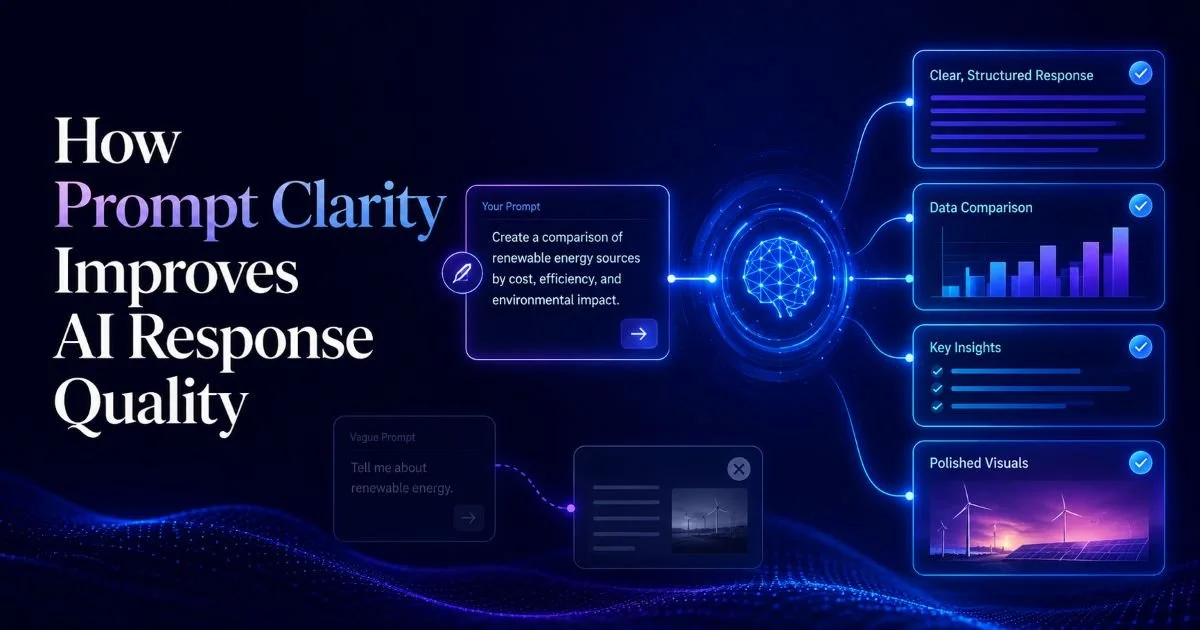
Think of your objective in two layers. The "what" is the content you need: a comparison table, a product description, a technical explanation. The "how" is the style, tone, length, and structure. Many prompts smash these together into a single run-on sentence, which confuses the model. Instead, state your content goal clearly in one sentence, then layer on stylistic instructions separately. This mirrors how prompt clarity improves AI response quality in measurable ways.
For example, instead of "Write a fun short article about SEO tools for small businesses," try: "Write a 400-word article comparing three SEO tools suitable for small businesses with under 10 employees. Use a conversational but professional tone. Include a comparison table." That second version gives the model clear boundaries. The output will be closer to what you need on the first attempt, saving you time and tokens.
Write your objective as a single sentence before opening the AI tool. If you can't summarize it in one sentence, your prompt isn't ready yet.
Step 2: Add Role, Context, and Constraints
Once your objective is clear, the next step is giving the AI the right frame of reference. Role assignment is one of the most powerful techniques in prompt engineering, yet many users skip it entirely. When you tell ChatGPT, "You are a senior data analyst explaining findings to a non-technical executive team," you're doing more than playing pretend. You're activating a specific register of language, depth of explanation, and set of assumptions that shapes every sentence of the response.
Read also: Top Website Vulnerability Types Scanners Find
Context is equally important. The AI doesn't know your industry, your company's terminology, or the specific problem you're solving unless you tell it. A prompt like "Analyze this data" is almost useless without context about what the data represents, what patterns matter, and what decisions hinge on the analysis. Think of context as the background briefing you'd give a smart consultant walking into your office for the first time.
The Power of Persona Assignment
Constraints are the guardrails that prevent the AI from going off track. These include word count limits, topics to avoid, required sections, citation requirements, and audience reading level. Constraints aren't limitations on creativity; they're specifications that make the output usable. The difference between prompt engineering and prompt writing often comes down to how skillfully you apply these constraints.
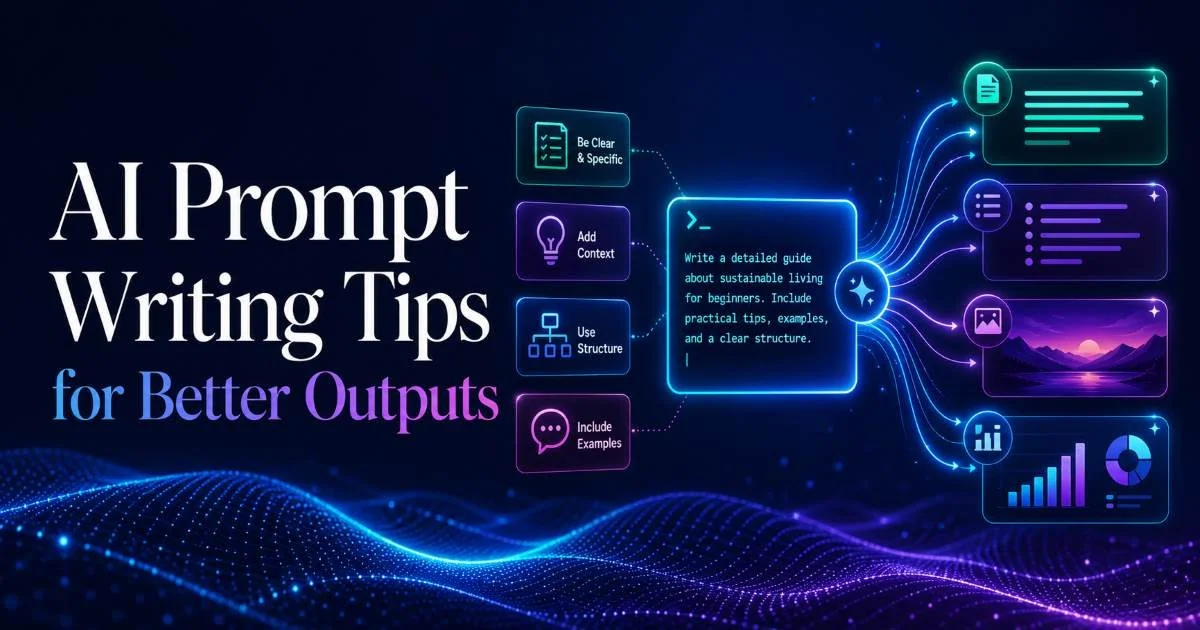
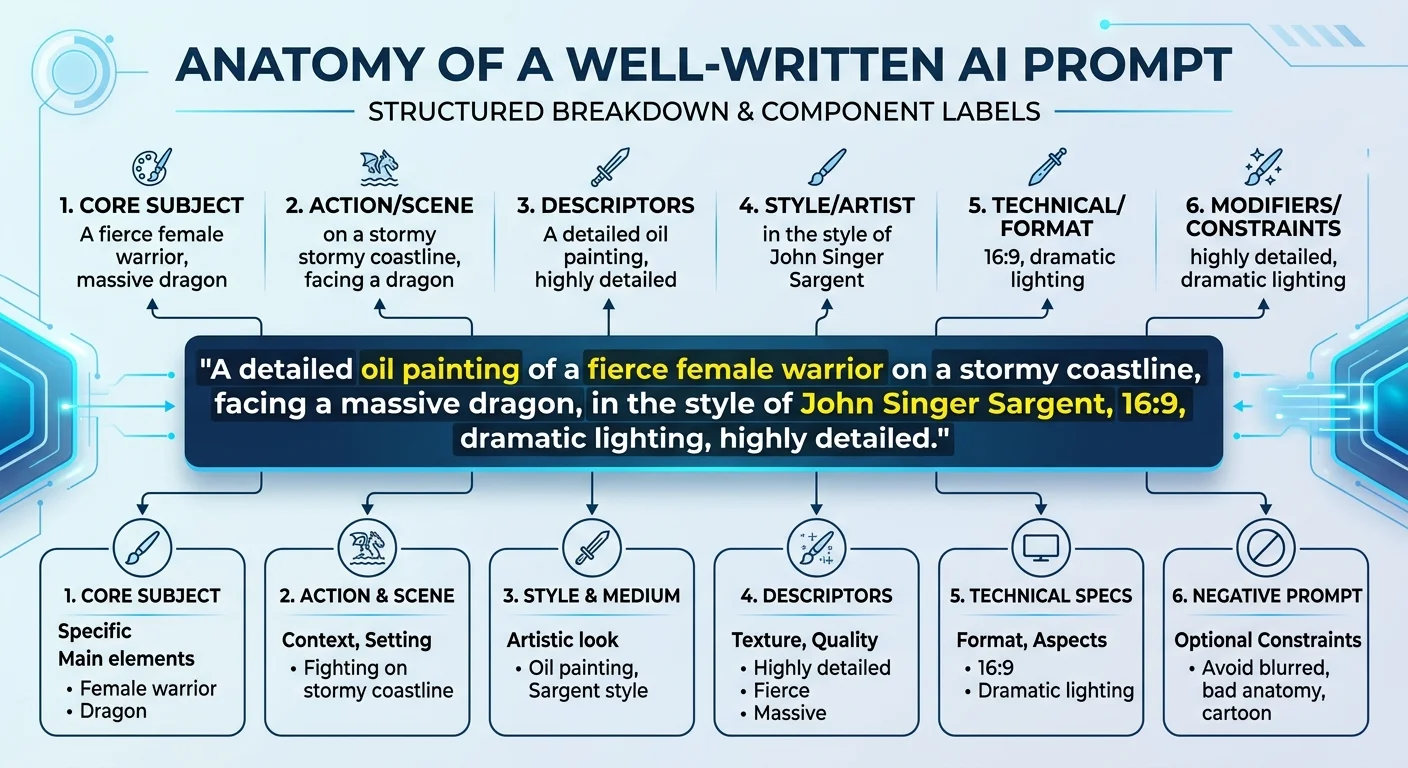
Here's a practical framework: start every prompt with a role ("Act as a..."), add context ("The situation is..."), state the task ("Write/Create/Analyze..."), and finish with constraints ("Keep it under 300 words, use bullet points, avoid jargon"). This four-part structure works across every major AI model. It's simple, repeatable, and dramatically reduces the number of re-prompts you need.
Step 3: Specify Format and Structure for Better AI Response Quality
One of the fastest ways to improve your AI outputs is to tell the model exactly how you want the response structured. Most AI tools default to paragraphs of prose, which isn't always what you need. If you want a table, say so. If you want numbered steps, specify them. If you need JSON output, include a sample schema. Format instructions act as a blueprint the model follows, and they're remarkably effective at reducing post-generation editing.
Power users working with ChatGPT prompts often underestimate how granular you can get with formatting requests. You can specify heading hierarchy, bullet point style, paragraph length, and even the ratio of examples to explanation. For technical content, you might request code blocks with inline comments. For business documents, you might ask for an executive summary followed by detailed sections. The model will follow these instructions faithfully if you state them clearly.
Format Templates That Work
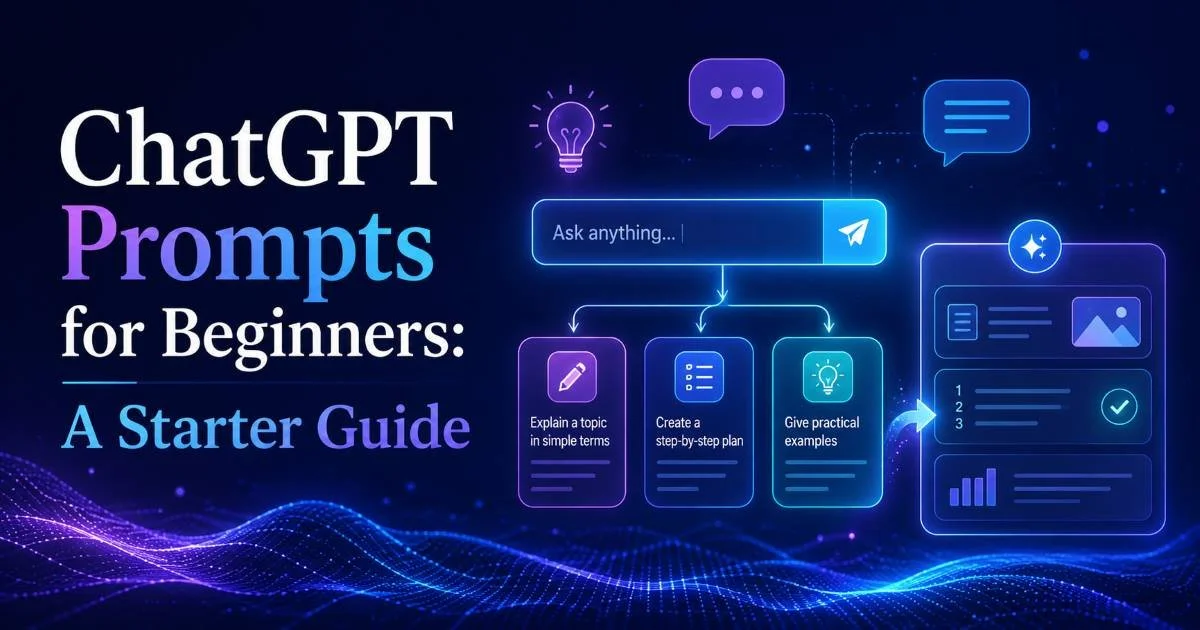
Consider building a small library of format templates for tasks you repeat frequently. A template for product descriptions might include fields for target audience, key features (limited to five), tone, and word count. A template for meeting summaries might specify sections for decisions made, action items with owners, and open questions. If you're new to structuring prompts this way, the ChatGPT beginner's starter guide covers foundational formatting approaches worth revisiting.
Create a "prompt template" document for your five most common AI tasks. Reusing proven structures saves time and produces more consistent results.
| Format Instruction | When to Use It | Example Phrase in Prompt |
|---|---|---|
| Bullet list | Quick reference, scanning | "List the top 7 factors as bullet points" |
| Numbered steps | Processes, tutorials | "Break this into numbered steps" |
| Table | Comparisons, data | "Present results in a table with columns for X, Y, Z" |
| Markdown headings | Long-form content | "Use H2 and H3 headings to organize sections" |
| JSON/code block | Developer workflows | "Return the output as valid JSON matching this schema" |
| Executive summary + detail | Business reports | "Start with a 3-sentence summary, then expand" |
Choosing the right AI model for your formatting needs matters too. Some models handle structured output better than others, particularly for technical documentation. If you frequently generate technical content, it's worth reviewing which LLMs perform best for technical writing to match your tool to your formatting demands. The right model paired with the right format instructions is a powerful combination.
"The best prompt writers don't write longer prompts. They write more specific ones."
Step 4: Iterate, Test, and Refine Your Prompts
No prompt is perfect on the first try, and expecting perfection upfront is a recipe for frustration. The best AI power users treat prompting as an iterative process. They write a prompt, evaluate the output against their objective, identify what's missing or off-target, and then adjust. This cycle of write, evaluate, refine is where real prompt engineering skill develops. It's a practice, not a one-time event.
When evaluating an AI response, ask specific questions. Did it hit the right tone? Did it address all parts of the request? Did it include information you didn't ask for? Each "no" or "sort of" answer points to a gap in your original prompt. Sometimes the fix is adding a single constraint ("Do not include pricing information"). Other times you need to restructure the entire prompt. Either way, the feedback loop is where learning happens.
Building a Prompt Testing Workflow
A practical approach is to run the same core prompt with small variations and compare outputs side by side. Change the role assignment and see how the tone shifts. Adjust the constraint on length and observe whether the model sacrifices depth or examples. Try adding "Think step by step" to analytical prompts and measure whether the reasoning improves. This A/B testing mindset transforms prompt writing from guesswork into a repeatable skill.
Different AI models respond differently to the same prompt. A prompt optimized for ChatGPT may need adjustments for Claude or Gemini. Always test across your primary tools.
Keep a simple log of your best-performing prompts. A spreadsheet with columns for the task type, the prompt text, the model used, and a quality rating (even just good, okay, or poor) builds into a valuable personal reference library over time. After a month of logging, patterns emerge: you'll notice which structures consistently work, which constraint phrasings produce tight outputs, and which tasks benefit most from role assignment. This data-driven approach separates casual users from genuine power users who get consistently excellent results from their AI tools.
Frequently Asked Questions
?How do I separate the 'what' from the 'how' in a prompt?
?Does role prompting work the same way in Claude and Gemini as ChatGPT?
?How long does it take to see results from iterative prompt refinement?
?Is trying to write one perfect prompt a good strategy?
Final Thoughts
Writing better AI prompts isn't about memorizing magic phrases or following rigid templates. It's about thinking clearly before you type, giving the model enough context to do its job, and refining your approach based on what actually works.
The four steps outlined here (defining objectives, adding roles and constraints, specifying format, and iterating on results) form a practical framework that scales across any AI tool and any use case. Start with one step, master it, then layer on the next. Your outputs will improve faster than you expect.
Disclaimer: Portions of this content may have been generated using AI tools to enhance clarity and brevity. While reviewed by a human, independent verification is encouraged.