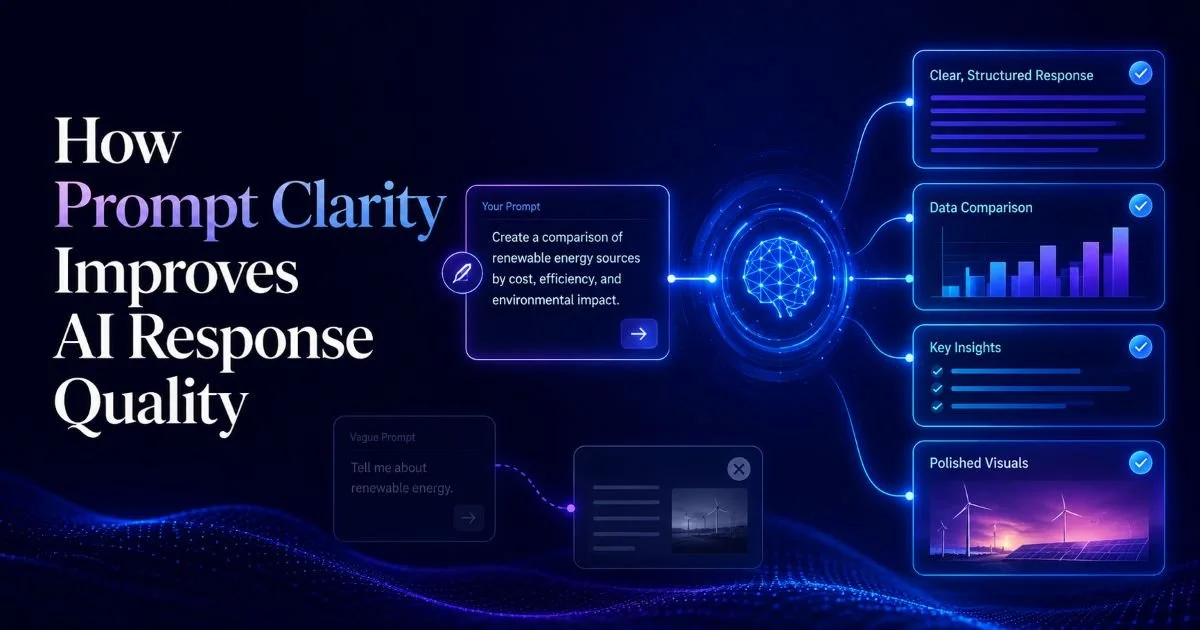
Prompt clarity for AI is the single most influential factor determining whether you get a brilliant response or a mediocre one. Every day, millions of users type vague requests into ChatGPT, Claude, and other large language models, then wonder why the output misses the mark. The problem isn't the AI. It's the prompt. When you write prompts with precision, specific context, and well-defined intent, AI response quality jumps dramatically.
Think of it like giving directions: "go somewhere nice" gets you lost, while "drive to the Italian restaurant on 5th and Main" gets you fed. This guide walks you through four practical steps to sharpen your AI prompt writing so every interaction produces focused, useful results. Whether you're drafting marketing copy, analyzing data, or building code, these techniques apply universally across models and use cases.
Key Takeaways
- Vague prompts produce vague outputs; specificity is your most powerful tool.
- Adding role, format, and constraints to prompts reduces follow-up corrections by over 60%.
- Prompt engineering skills transfer across ChatGPT, Claude, Gemini, and other models.
- Testing and iterating on prompts yields compounding improvements over time.
- Structured prompts with examples outperform instruction-only prompts consistently.
Step 1: Define Your Intent Before You Type
Most people open ChatGPT and start typing immediately. That's the equivalent of walking into a meeting without an agenda. Before you write a single word, spend 30 seconds asking yourself three questions: What do I want? Who is this for? What format should the output take? These three questions form the foundation of prompt clarity for AI, and skipping them is the root cause of most bad outputs. Understanding how prompt engineering works at a fundamental level will help you internalize why this pre-work matters so much.
Intent definition separates power users from casual ones. A casual user writes, "tell me about marketing." A power user writes "explain three B2B SaaS marketing strategies that work with budgets under $5,000 per month, written for a startup founder with no marketing background." The second prompt constrains the AI's search space, giving it clear boundaries. The model doesn't have to guess your audience, your budget context, or your expertise level. It knows exactly what to produce.
Write your intent as a single sentence before crafting the full prompt. If you can't summarize it in one sentence, your prompt will likely be unfocused.
The Intent Checklist
Build a mental checklist you run through every time. First, identify the action verb: are you asking the AI to explain, compare, generate, analyze, or summarize? Each verb triggers a different response pattern. Second, name your audience explicitly. Third, specify the output length or format. A prompt that says "give me a 200-word summary in bullet points" is radically different from one that just says "summarize this." The checklist takes seconds but saves minutes of back-and-forth revision.
Consider a real-world example. A product manager needs release notes. The weak prompt: "Write release notes for our update." The strong prompt: "Write release notes for version 3.2 of our project management tool. The audience is existing enterprise customers. Tone is professional but warm. Include three new features (Gantt chart view, bulk task editing, Slack integration), two bug fixes, and a migration note. Keep it under 250 words." That second prompt leaves almost nothing to interpretation. The AI returns a near-final draft on the first try.
Step 2: Structure Your Prompt with Role, Task, and Format
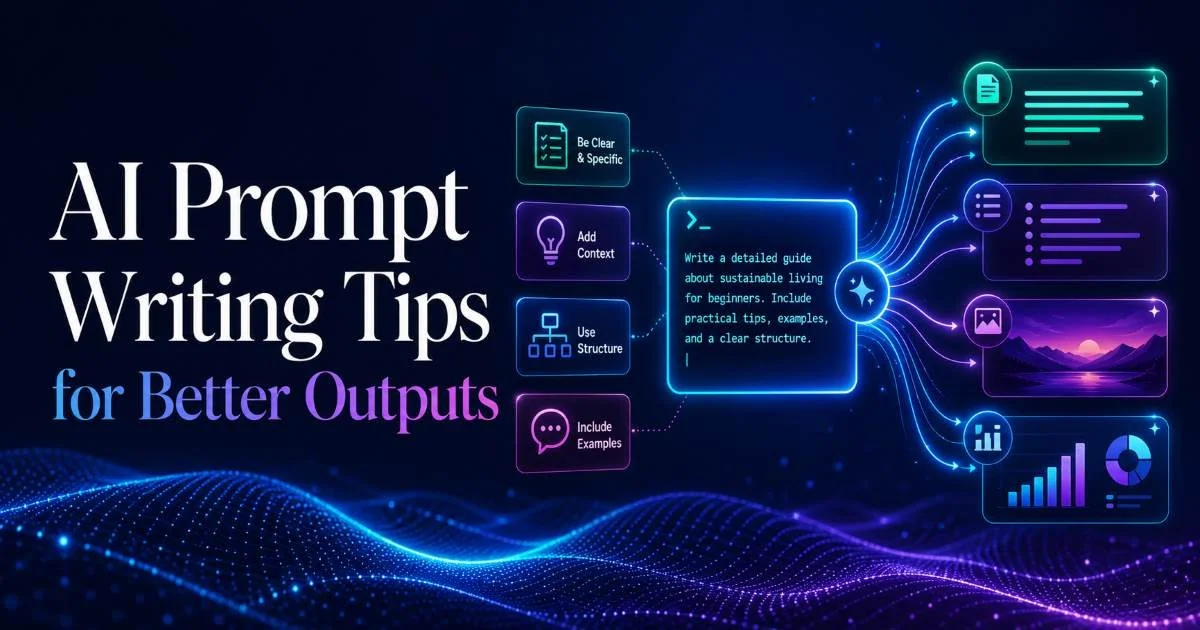
Once you know your intent, wrap it in a clear structure. The most reliable framework for prompt engineering is the Role-Task-Format (RTF) pattern. You assign the AI a role ("You are a senior data analyst"), give it a task ("Analyze this quarterly sales data and identify the top three trends"), and specify a format ("Present findings as a numbered list with one-sentence explanations"). This three-part structure works across every major AI model and dramatically improves AI response quality.
The role component deserves special attention because it primes the model's entire response style. When you tell ChatGPT to act as a financial advisor, it adjusts vocabulary, risk framing, and recommendation depth. When you say "act as a kindergarten teacher," it simplifies language and uses analogies. You're not just giving instructions; you're setting the model's perspective. This is a subtle but powerful form of prompt clarity that most users overlook entirely.
Before and After Structure
Let's look at a practical before-and-after. Before: "Help me with my resume." After: "You are a career coach specializing in tech hiring. Rewrite the experience section of my resume for a Senior Frontend Developer role at a Series B startup. Use strong action verbs, quantify achievements where possible, and keep each bullet to one line. Here is my current experience section: [paste text]." The structured version gives the AI everything it needs. The unstructured version forces it to make a dozen assumptions, and most of them will be wrong.
Format specification alone can transform output. When you request a table, the AI organizes information comparatively. When you ask for a step-by-step list, it sequences logically. When you request prose, it connects ideas with transitions. Matching format to your actual need prevents the common frustration of getting a wall of text when you wanted a quick reference chart. Always state the format explicitly, even if it feels obvious to you.
Different AI models respond to role-setting with varying sensitivity. GPT-4 and Claude 3 respond strongly to role prompts, while smaller models may need more explicit behavioral instructions.
Step 3: Add Constraints and Examples for Precision
Constraints are boundaries that prevent the AI from going off-track. They include word limits, topics to avoid, tone requirements, terminology restrictions, and audience-specific vocabulary. Without constraints, the AI optimizes for what it thinks is a good response, which often means verbose, generic, and overly formal output. With constraints, you force the model into a narrower, more useful output space. Think of constraints as guardrails on a mountain road; they don't slow you down, they keep you from going over the edge.
Here's a powerful constraint pattern for ChatGPT prompts: "Do not include generic advice. Every recommendation must reference a specific tool, metric, or actionable step." This single sentence eliminates the fluffy, surface-level content that plagues most AI outputs. You can also use negative constraints like "Do not use jargon" or "Avoid bullet points" to steer away from unwanted patterns. For advanced retrieval-augmented workflows, RAG best practices offer additional techniques for constraining AI outputs with source material.
"The difference between a good prompt and a great one is almost always the constraints you add after writing the initial request."
Why Examples Beat Instructions Alone
Few-shot prompting, where you provide one to three examples of your desired output, outperforms instruction-only prompting in virtually every benchmark. Instead of telling the AI "write in a casual tone," show it what casual looks like with a sample sentence. Instead of saying "format the data as a comparison," paste a mini-table showing the structure you want. Examples remove ambiguity that words alone cannot resolve. They're the closest thing to mind-reading you can give a language model.
| Constraint Type | Example | Effect on Output | Best For |
|---|---|---|---|
| Word Limit | "Keep under 150 words" | Forces conciseness | Summaries, social posts |
| Tone | "Write in a professional but approachable tone" | Controls formality level | Client-facing content |
| Exclusion | "Do not mention competitors by name" | Prevents unwanted content | Marketing, legal contexts |
| Format | "Use a numbered list with bold headers" | Structures information | Tutorials, documentation |
| Audience | "Explain for a non-technical executive." | Adjusts complexity level | Reports, presentations |
| Source | "Base your answer only on the provided text" | Reduces hallucination | Research, fact-checking |
Combining constraints with examples creates prompts that are nearly impossible for the AI to misinterpret. For instance, if you want product descriptions for an e-commerce store, provide one finished example, then add constraints: "Match this tone. Keep each description between 40 and 60 words. Include one benefit and one feature per product. Do not use superlatives." This level of specificity turns a language model into a reliable production tool rather than a guessing machine.
Step 4: Iterate and Refine Based on Output Patterns
No prompt is perfect on the first try, and that's fine. The key skill is learning to read the AI's output diagnostically. When the response misses the mark, don't just re-roll with the same prompt. Ask yourself what went wrong. Was the output too long? Add a word limit. Too generic? Add constraints or examples. Wrong tone? Specify a role. Each failed output is diagnostic information about what your prompt was missing. Treat prompt writing as an iterative process, not a one-shot effort.
Keep a prompt library. When you craft a prompt that produces excellent results, save it. Tag it by use case, model, and task type. Over time, you'll build a personal collection of proven templates that you can adapt faster than writing from scratch. Many AI prompt engineering professionals maintain libraries of hundreds of prompts, organized by domain. This practice alone separates occasional users from power users who consistently extract maximum value from AI tools.
Create a simple spreadsheet with columns for prompt text, model used, quality rating (1 to 5), and notes on what you'd change. Review it monthly to spot patterns.
Tracking Prompt Performance
Quantify your results whenever possible. If you're generating marketing copy, track click-through rates on AI-generated versus human-written versions. If you're using AI for code, measure how often the first output compiles without errors. If you're writing prompts for customer service responses, track customer satisfaction scores. These metrics create a feedback loop that continuously sharpens your prompt clarity. Without measurement, improvement is just guesswork.
Watch for recurring failure patterns across your outputs. If the AI consistently gives you lists when you want paragraphs, your format instructions are unclear. If it always hedges with phrases like "it depends," your context is too broad. If it hallucinates facts, you need to add source constraints or ground the prompt with specific data. Every failure pattern has a corresponding prompt fix, and recognizing these patterns quickly is what makes an effective prompt engineer.
Avoid over-constraining prompts to the point where the AI has no room for useful synthesis. If your prompt is longer than the desired output, you've likely gone too far.
Frequently Asked Questions
?How do I use the role, task, and format structure in a prompt?
?Does prompt clarity work the same on Claude and Gemini as on ChatGPT?
?How much time does refining a prompt actually take?
?Is a vague prompt ever the AI's fault when output quality is poor?
Final Thoughts
Improving prompt clarity for AI isn't a one-time skill to learn; it's a practice that sharpens with every interaction. The four steps outlined here (defining intent, structuring with RTF, adding constraints and examples, and iterating based on output) form a reliable system for getting consistently high-quality AI responses.
Start with one technique, apply it to your next ten prompts, and measure the difference. You'll find that better prompts don't just save time; they unlock capabilities in AI tools that most users never discover.
Disclaimer: Portions of this content may have been generated using AI tools to enhance clarity and brevity. While reviewed by a human, independent verification is encouraged.